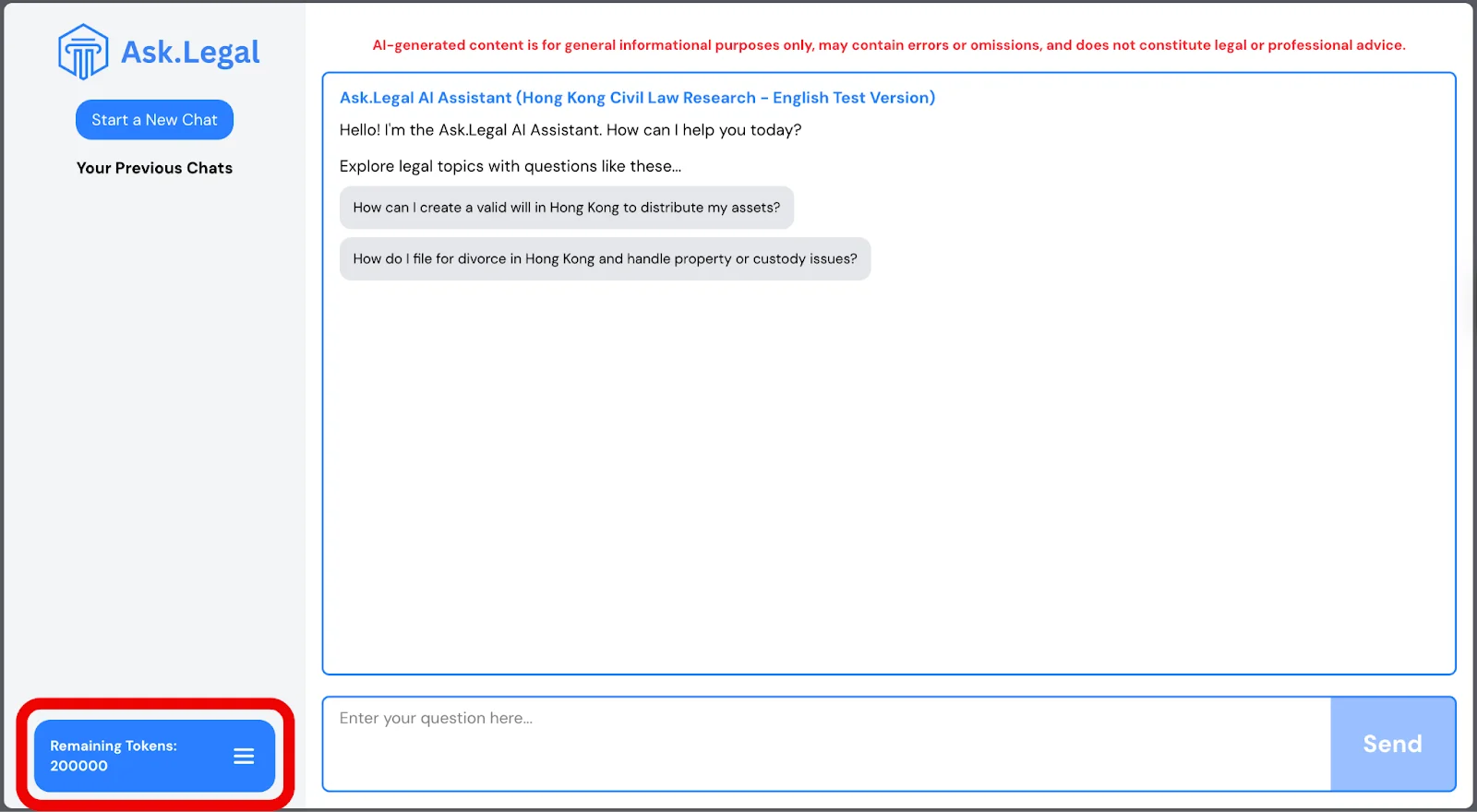
To redeem your promo code:
- Sign in to your account at ask.legal/login.
- Click on the menu icon.
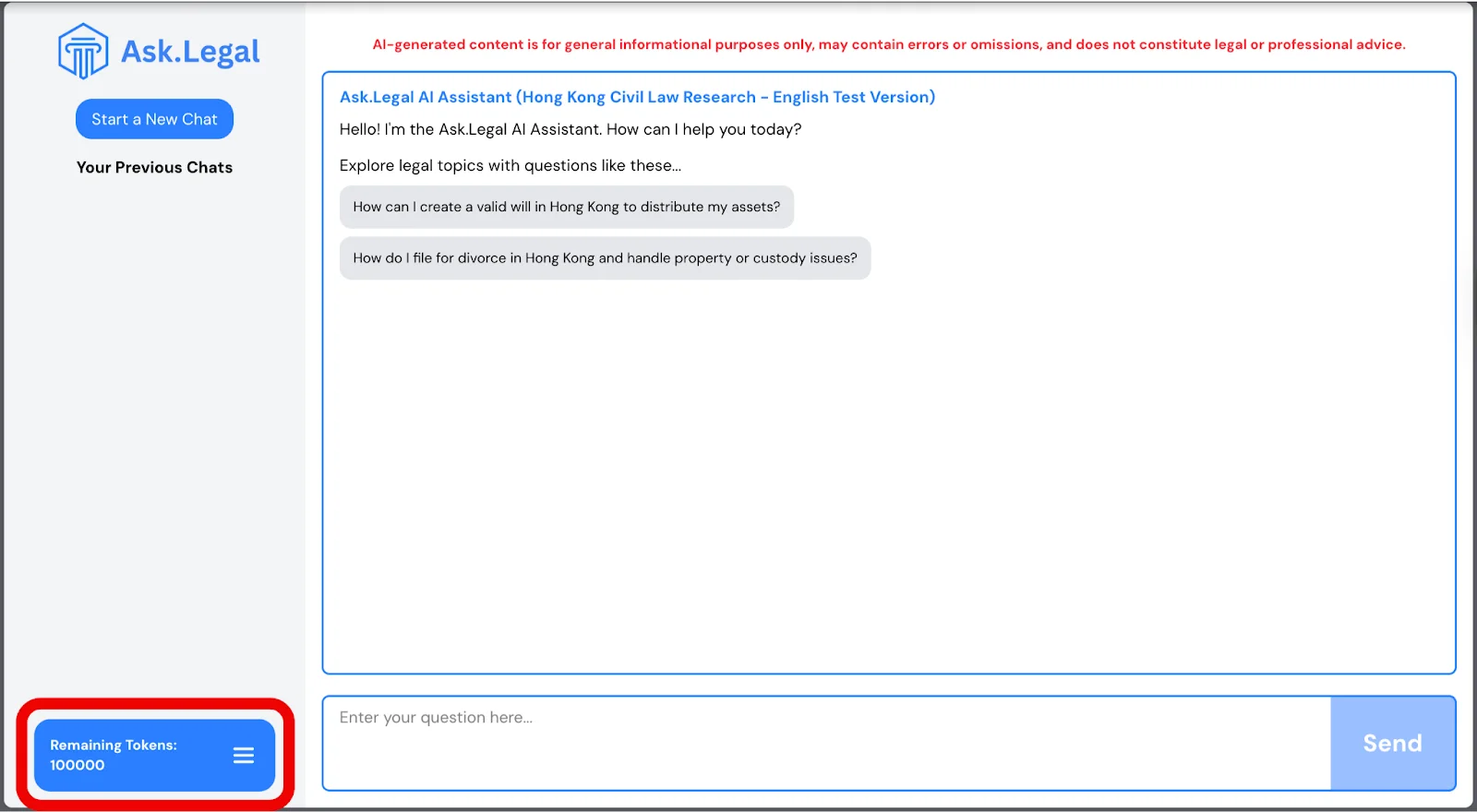
- Select “Top Up”.
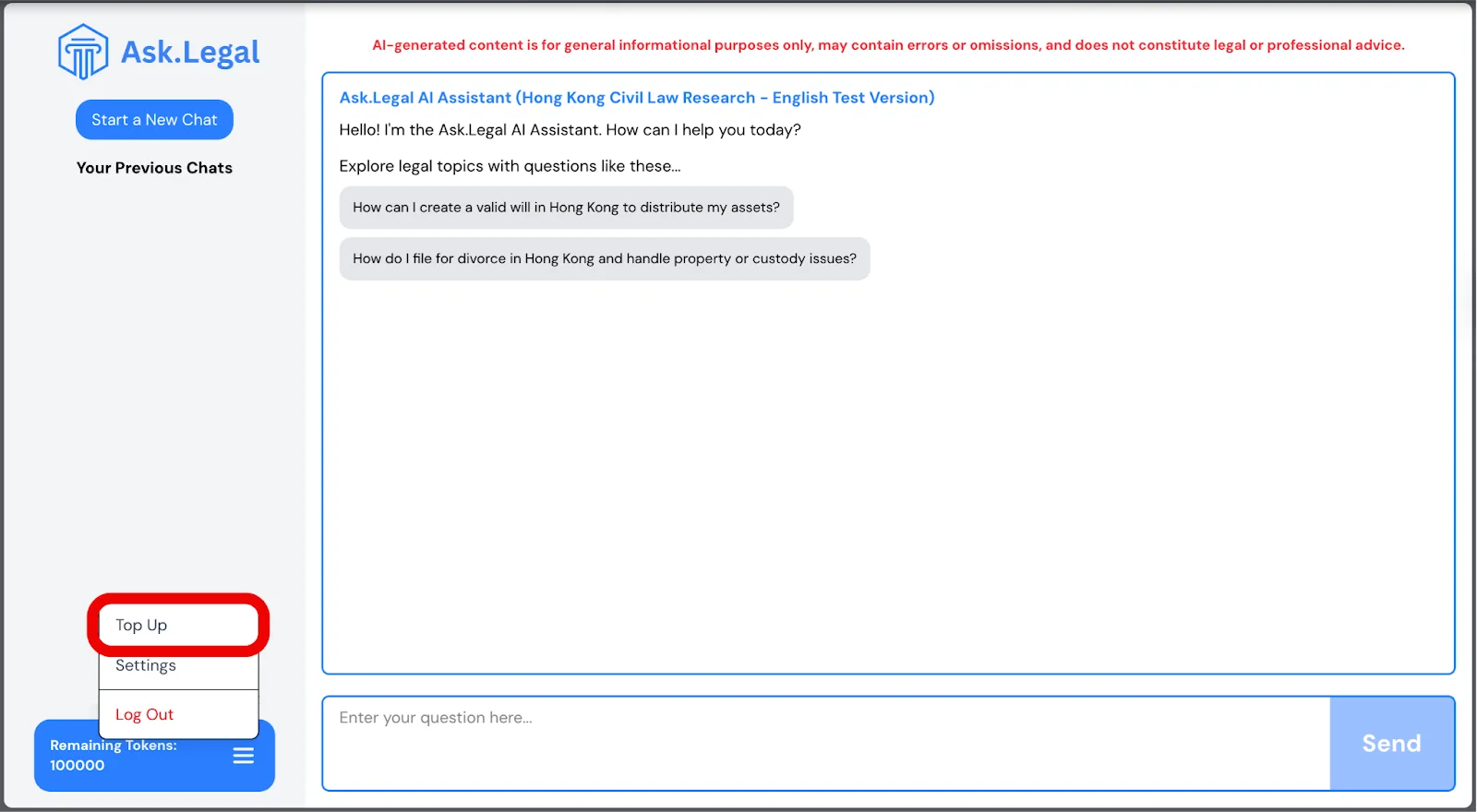
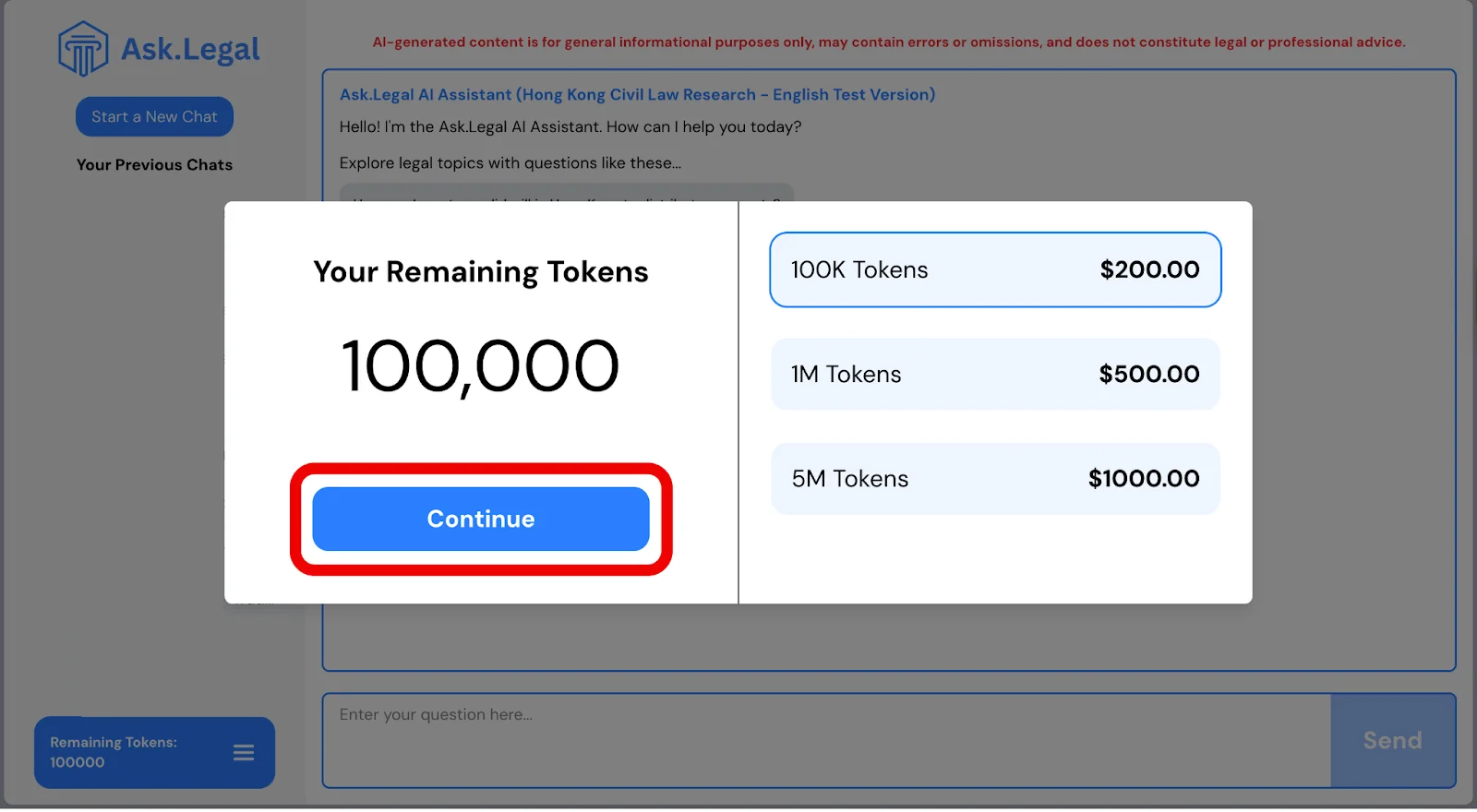
- Choose the amount of tokens and click “Continue”.
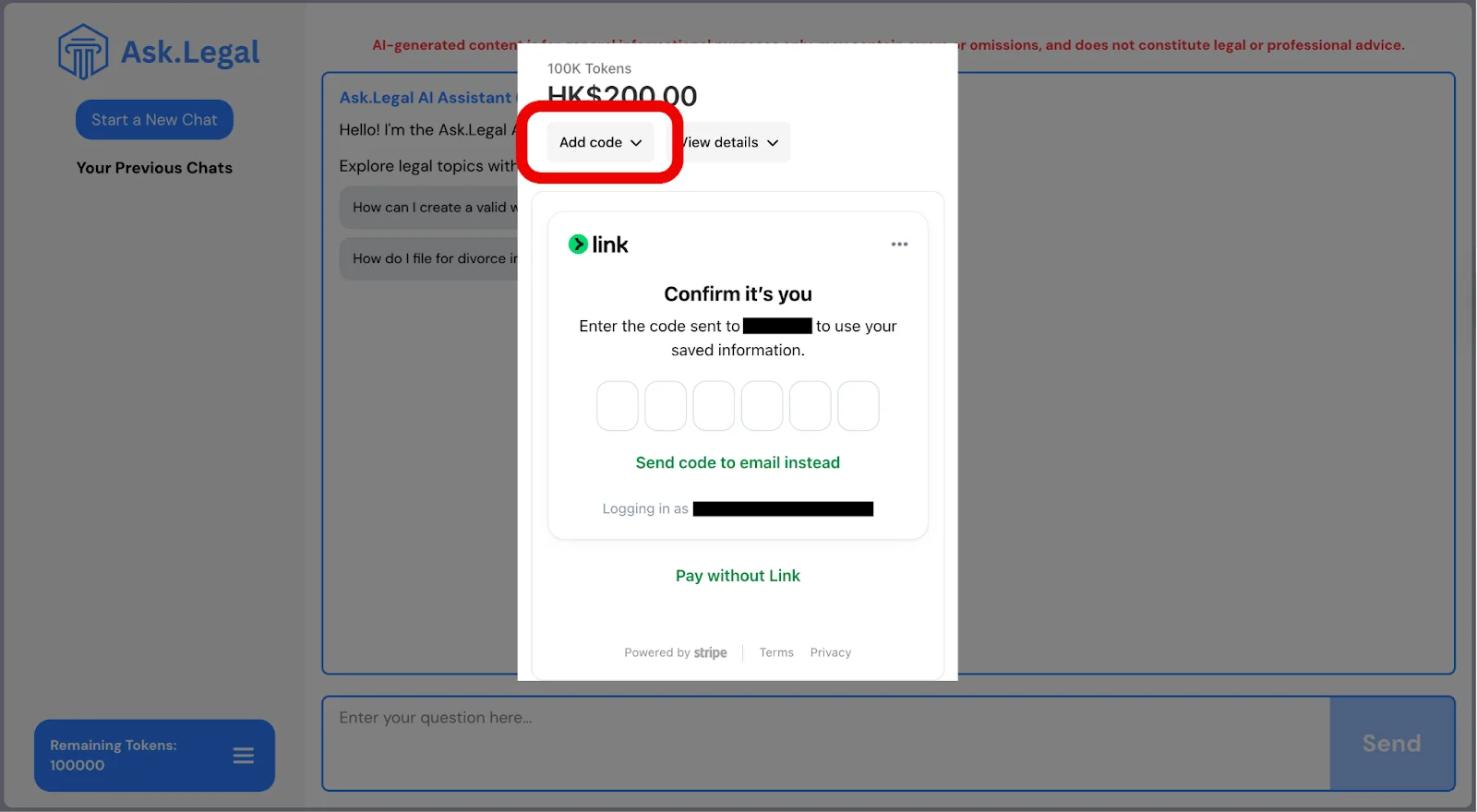
- Click “Add Code” and complete the verification.
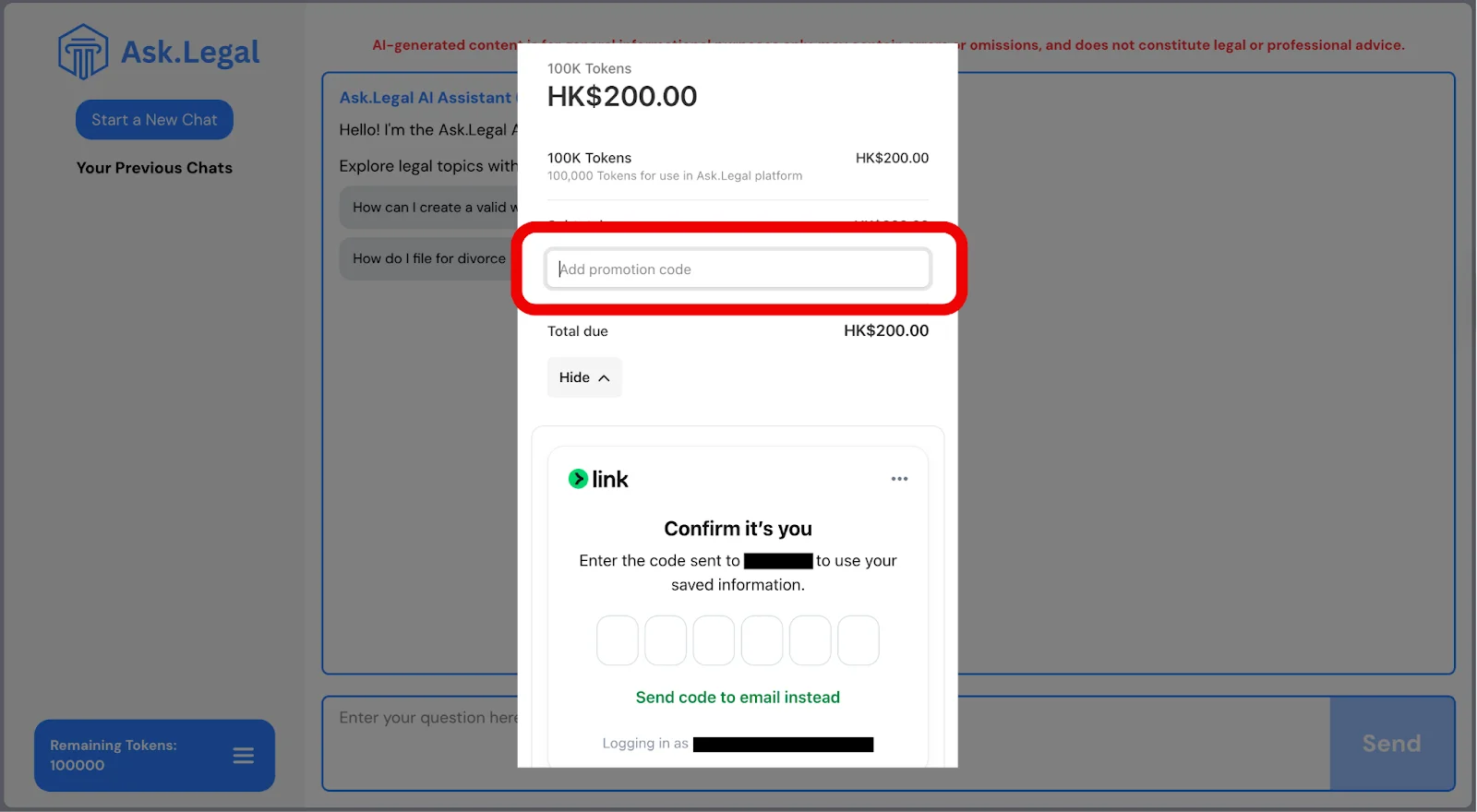
- Enter your promo code and press Enter or click “Apply”.
- Click “Complete Order”.
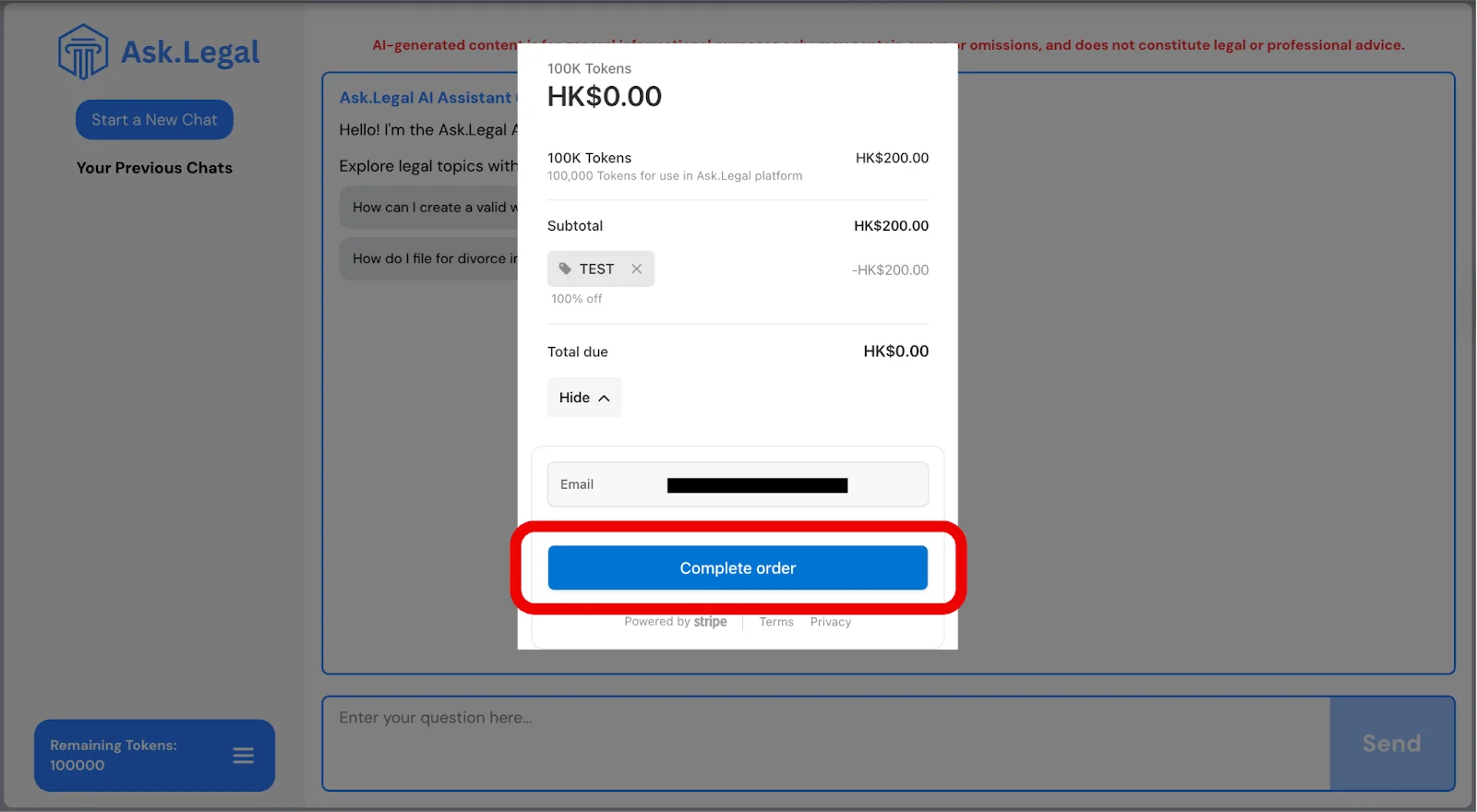
- That’s it! Your promotion code has been successfully applied, and your tokens are now added to your account.